Public beta · iPhone · iPad · Mac · Linux
Your photographs,
in their true colours.
Numa is a photo editor for RAW and everyday photos. Colour that matches your camera, masks that find the sky or your subject in one tap, and culling that tells you which frame is sharpest. All on your device. Try it before anyone else.
Free during the beta · iPhone, iPad and Mac through TestFlight · Linux free, as a Flatpak
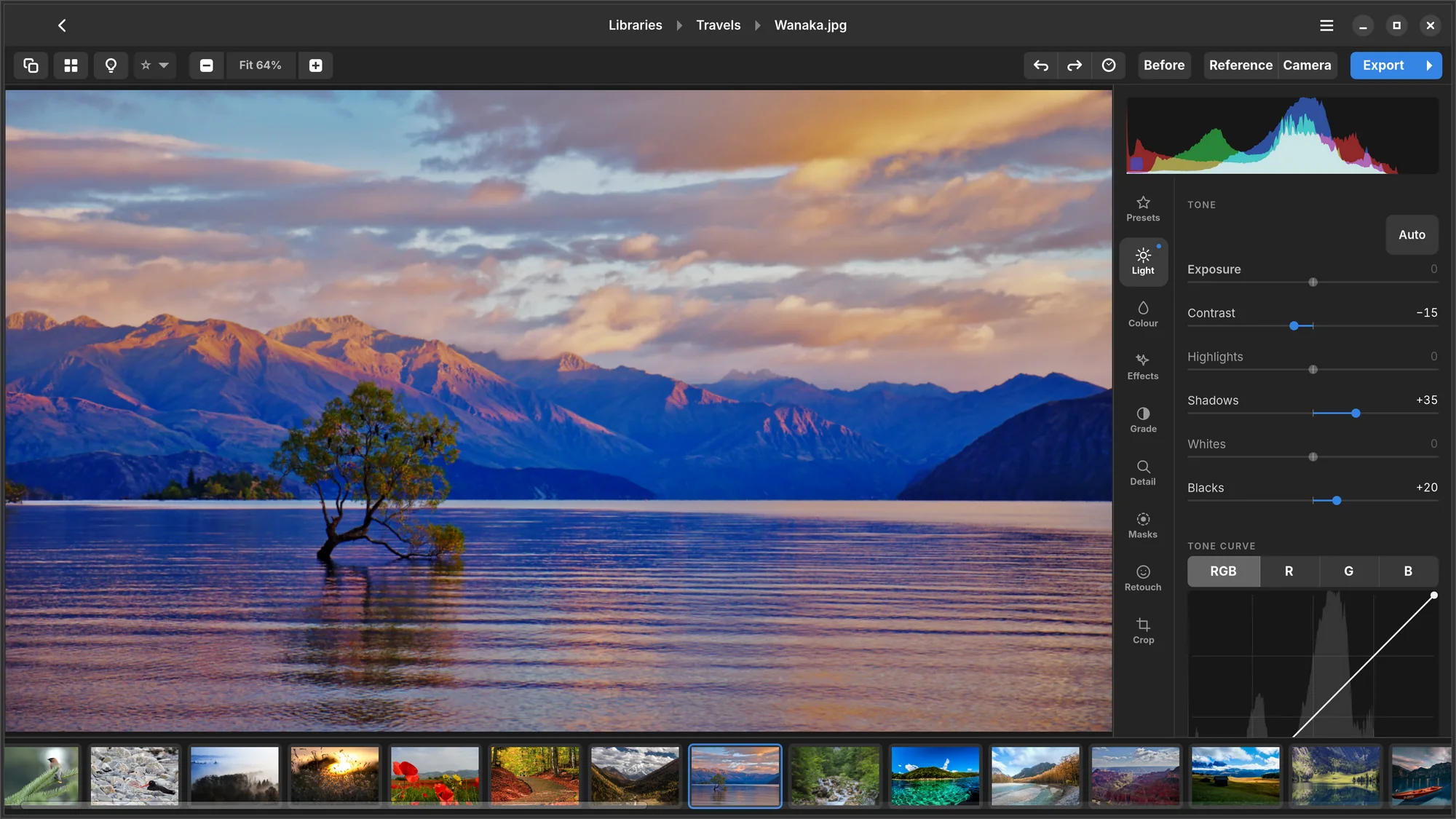
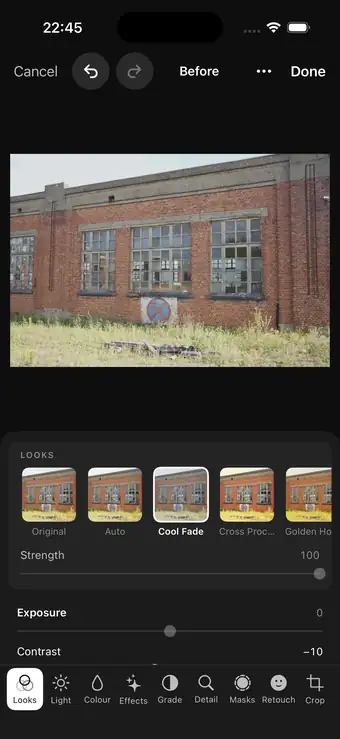
What it does
- True colourCamera profiles and lens corrections for hundreds of cameras and lenses.
- Masks in one tapSky, subject, person, water, greenery — found on your device.
- Culling with numbersSharpness measured, bursts grouped, the best frame suggested.
- Looks with StrengthNuma's own looks, dialled in. LUTs, and presets from Lightroom and Capture One.
- RetouchHeal and clone, find sensor dust, remove distractions.
- YoursNo account, no cloud, no tracking. One purchase for iPhone, iPad and Mac.
Culling
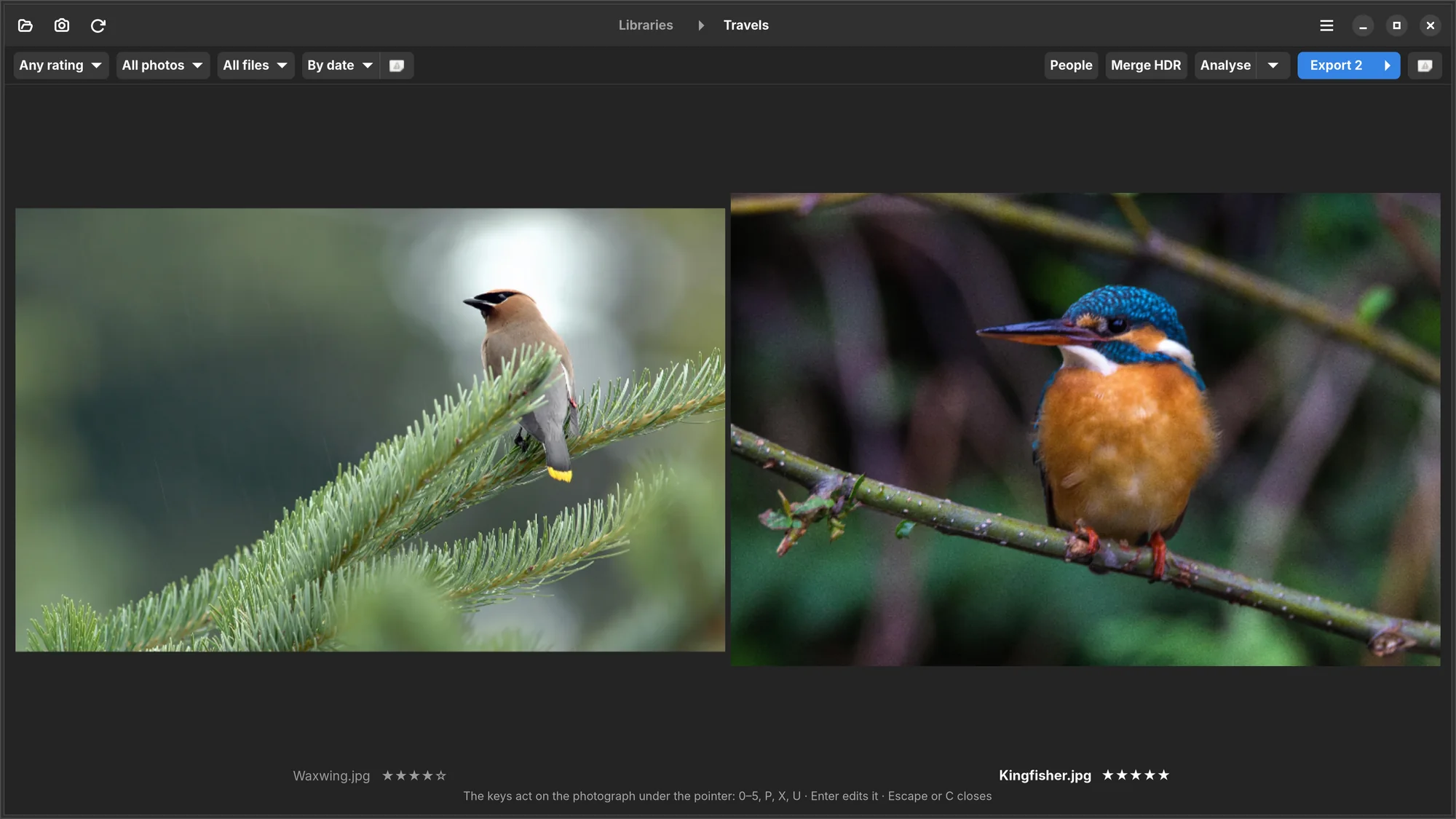
Keep the sharp one. Numa knows which it is.
Came home with four hundred frames? Numa measures the sharpness of every one, groups your bursts and points at the best frame of each. It asks whether someone's eyes are closed, and puts two frames side by side at the same magnification when you can't decide.
- Sharpness
- Best of burst
- Eyes closed?
- Clipping
Swipe up to pick, down to reject. Stars, flags, albums and smart filters for the rest.
Masks
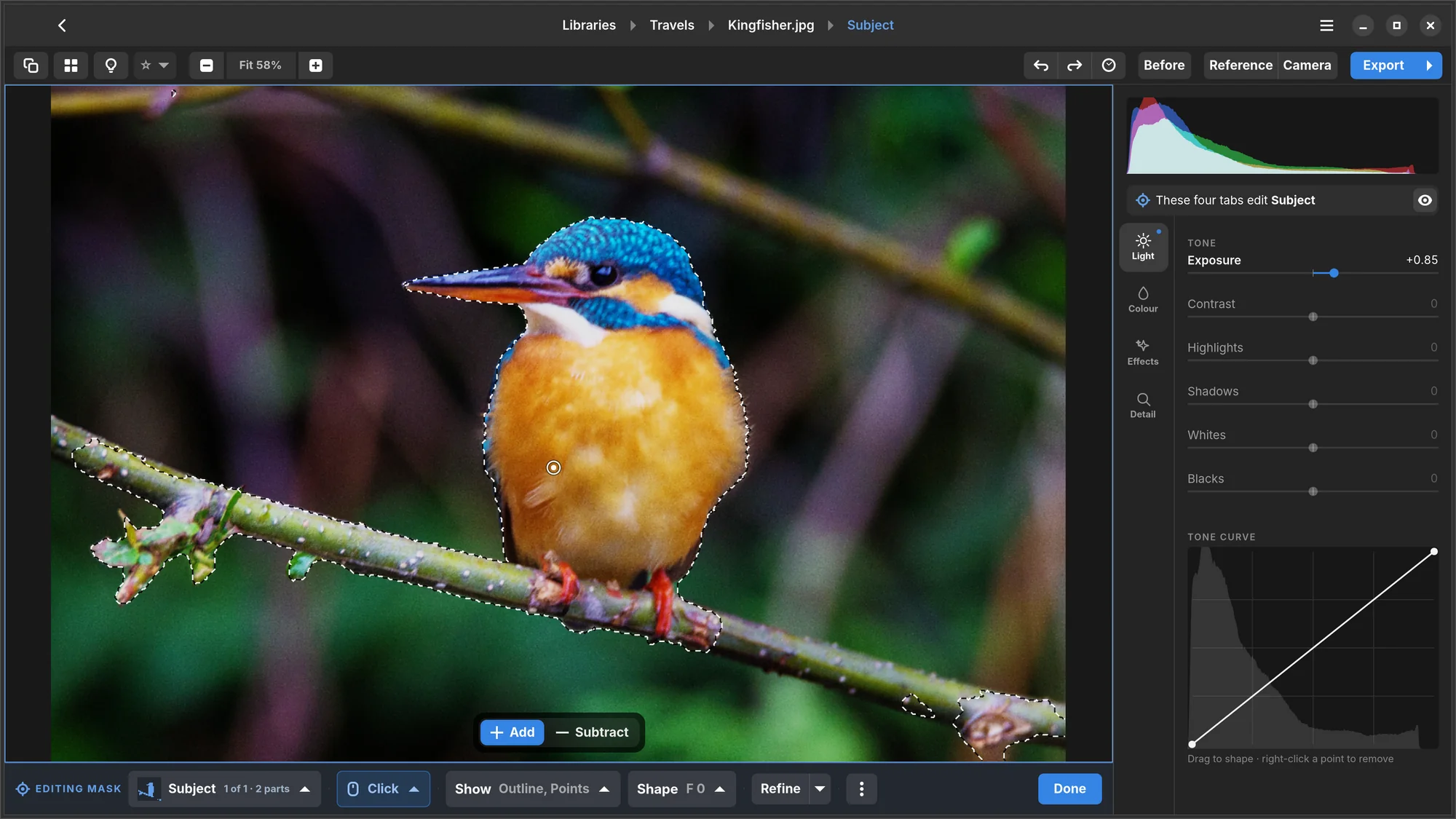
The sky, your subject, a person. In one tap.
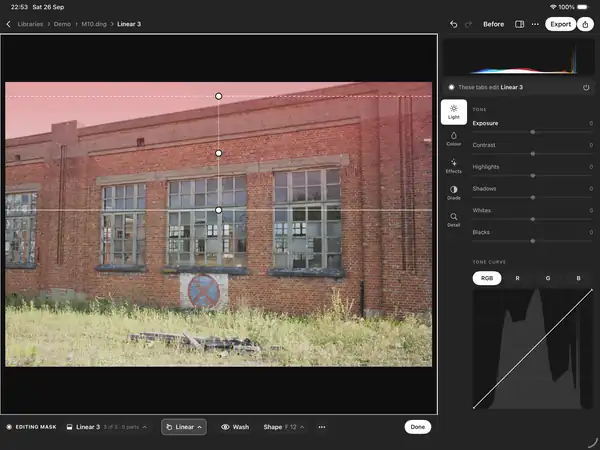
Numa looks at the photograph and offers what it finds: sky, subject, person, water, greenery. Tap one and it's a mask — with its own light, colour, curve and grade. Click a thing to add it, subtract what you don't want, or draw your own with a brush, lasso, linear or radial mask, or a colour or brightness range.
- Sky
- Subject
- Person
- Water
- Greenery
The models run on your device. Your photograph goes nowhere.
Colour
Colour you can trust, and looks you can dial.
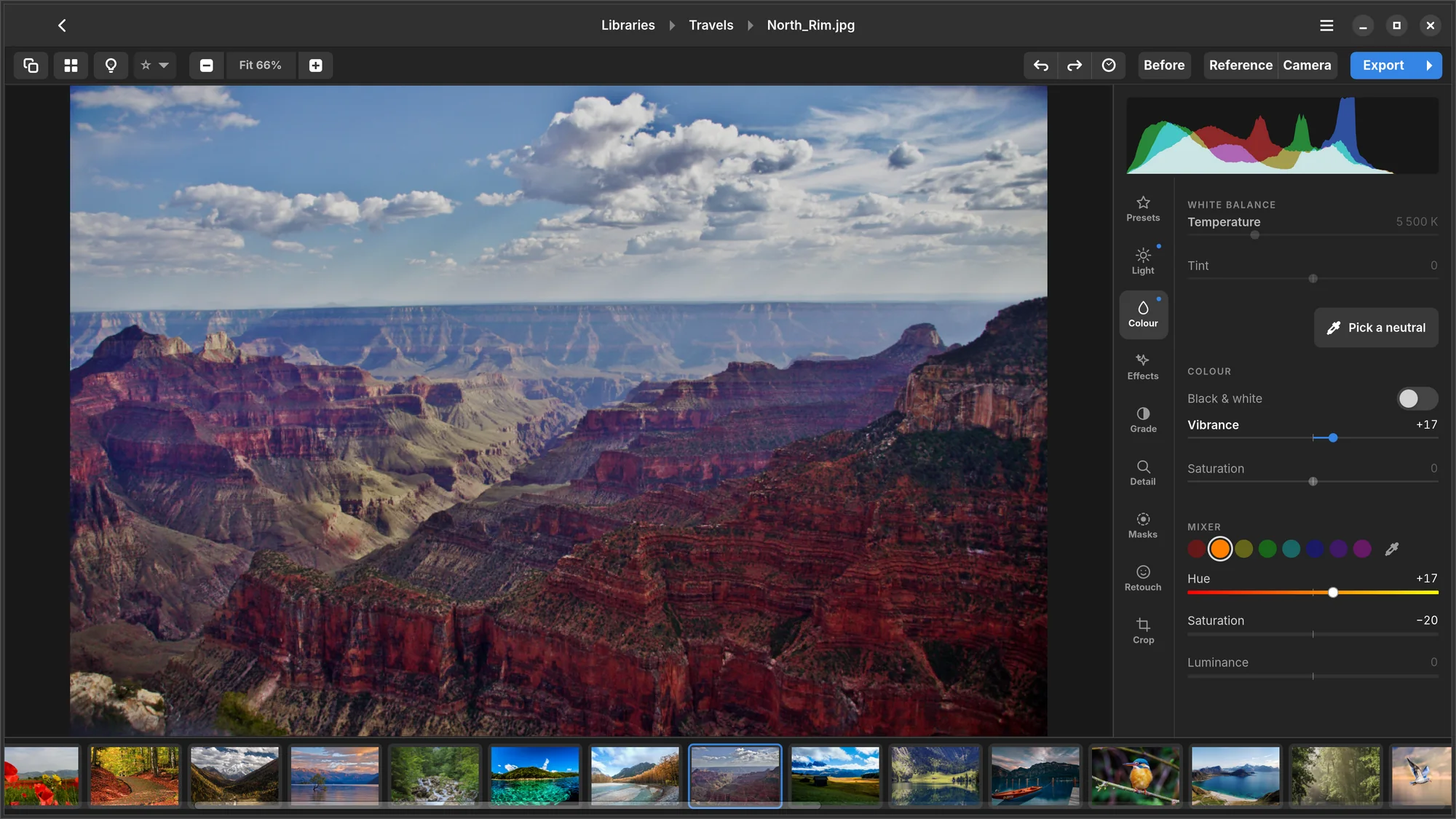
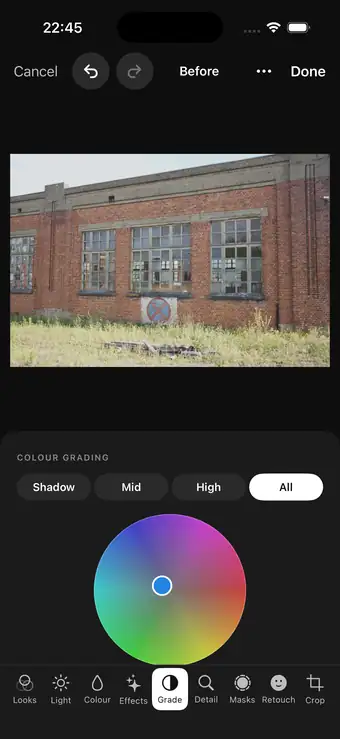
Camera profiles make a RAW look like your camera meant it; lens corrections straighten what the glass bent. For Fujifilm, profiles fitted against the camera's own JPEGs. Then make it yours: Numa's looks come with a Strength slider, a grade wheel for shadows, midtones and highlights, a colour mixer, and your own LUTs (.cube, .3dl).
Privacy
No account.
No cloud.
No tracking.
Your photographs stay on your device, in the folders, drives and Photos library you choose. Masks, faces and measurements are all worked out on the device in your hand. Read the privacy policy.
Platforms
iPhone, iPad and Mac
One app, one purchase for all three. Casual on iPhone with your Photos library; a full desk on iPad, classic or edge-to-edge; at home on Apple silicon Macs. Native, fast, and free while it's in beta.
Join the beta on TestFlightLinux
Free, made for GNOME, with its source on GitHub. Libraries on external drives and SD cards, even when they're unplugged. Install it as a Flatpak from GitHub.
Download for LinuxEdit a few photographs.
Tell me what you think.
Numa is made by one person, an independent developer in the Netherlands. Beta testers shape what it becomes: every message to support@numa.photo is read.
Free during the beta · iPhone, iPad and Mac through TestFlight · Linux free, as a Flatpak