Sunday · Numa HomeEveryone’s photographs, at home.
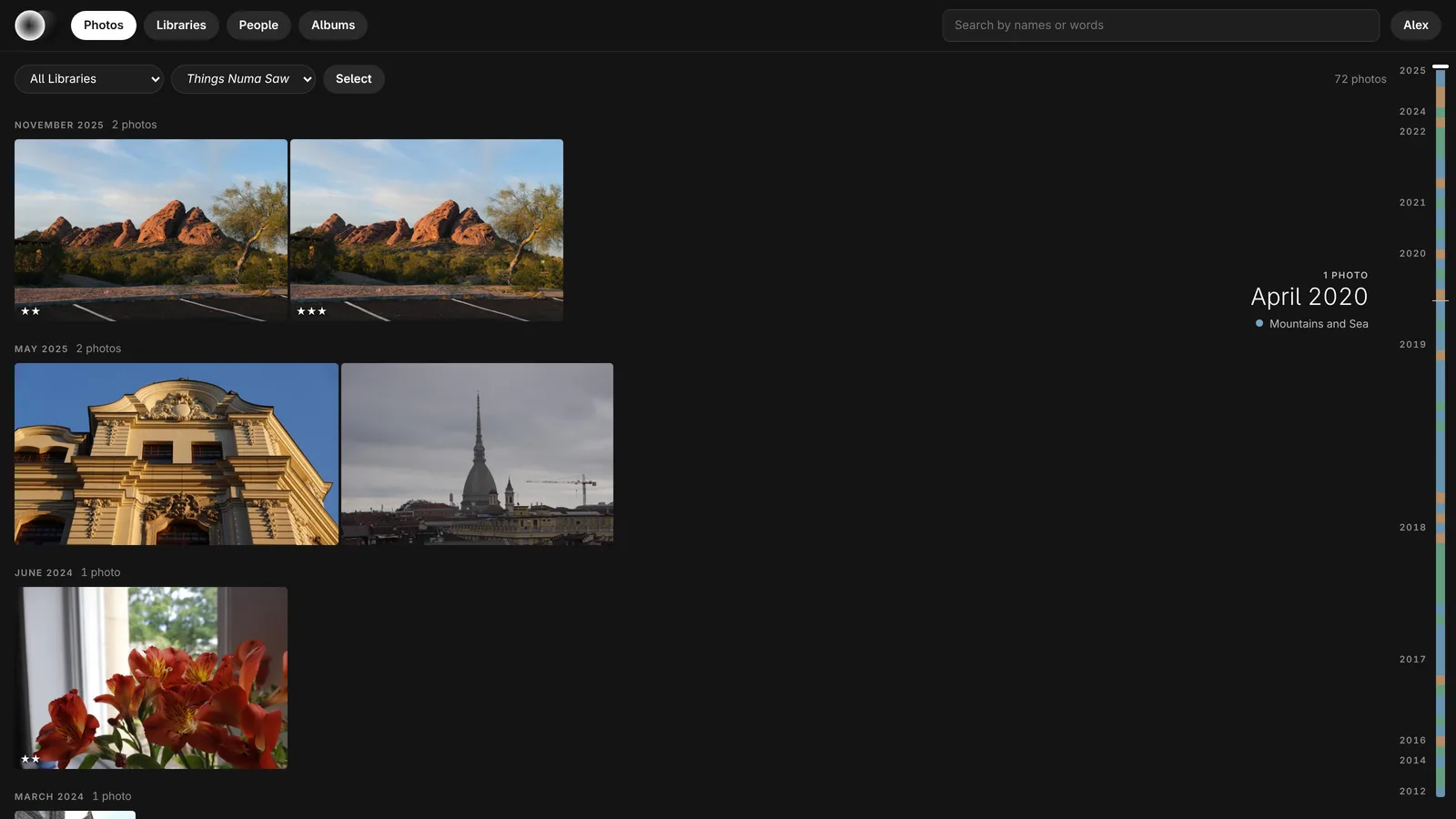
Numa Home runs on your own NAS and shows every photograph in the house in a browser: on the sofa, on a phone, on the TV. Raws look the way Numa develops them, with your edits on them. One Docker container, free and open source, with no cloud of its own.
Docker on a NAS or any 64-bit Intel or AMD computer · GPL-3.0 or later · Photographs only, for now
- 1
- container. No database server, no separate container for the models, nothing else to look after.
- 2
- languages to search in, English and Dutch, for the words that describe a photograph.
- 0
- cloud of its own. Faces and words are found on your NAS, and nothing leaves the house.
Search
Ask for what is in it.
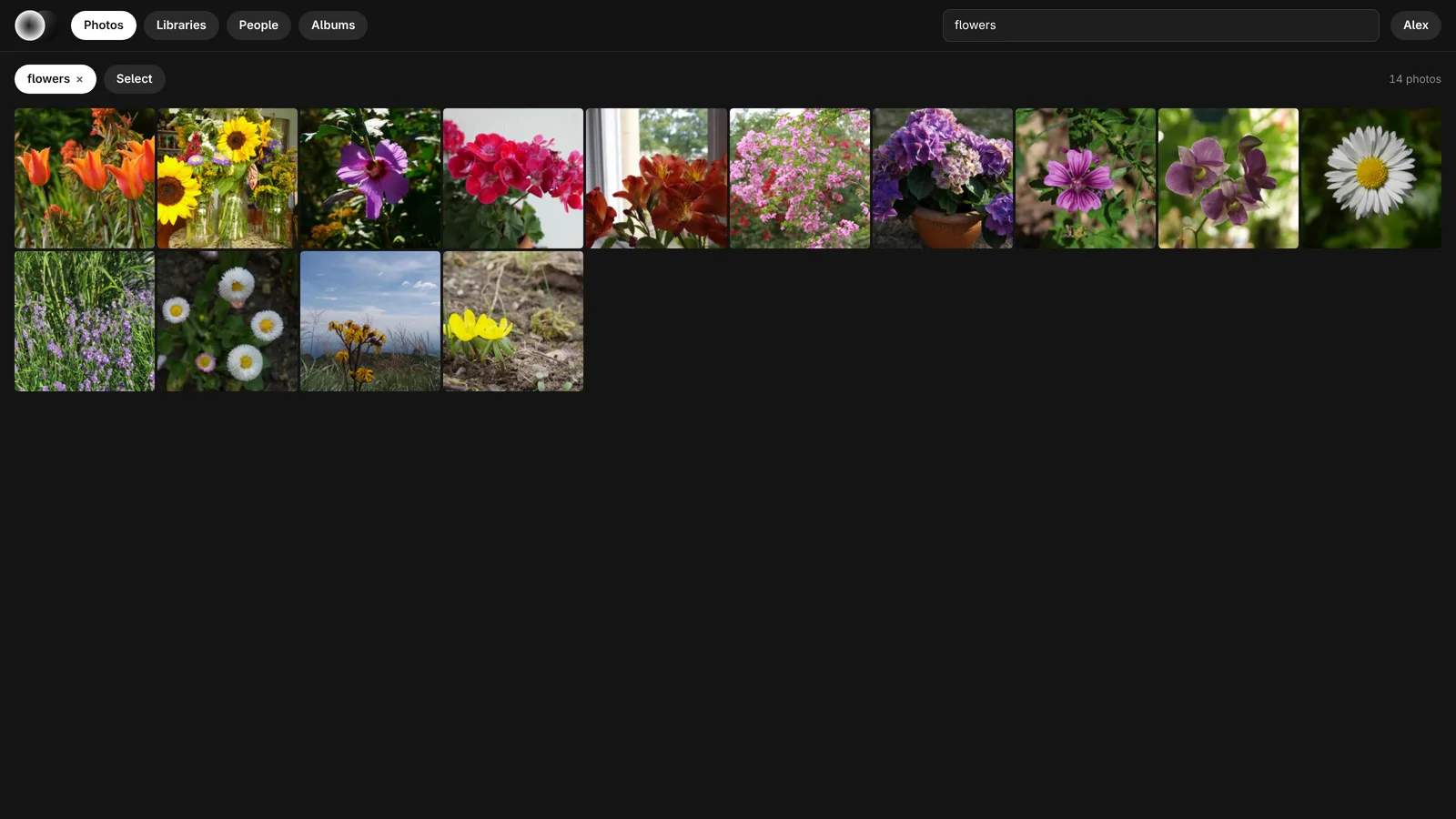
Type “beach at sunset” or “Anna and Tom in the snow”, in English or Dutch. Faces are found and grouped; name someone once and they are found everywhere. Albums, stars and picks are for the whole household.
Raws
As Numa develops them.
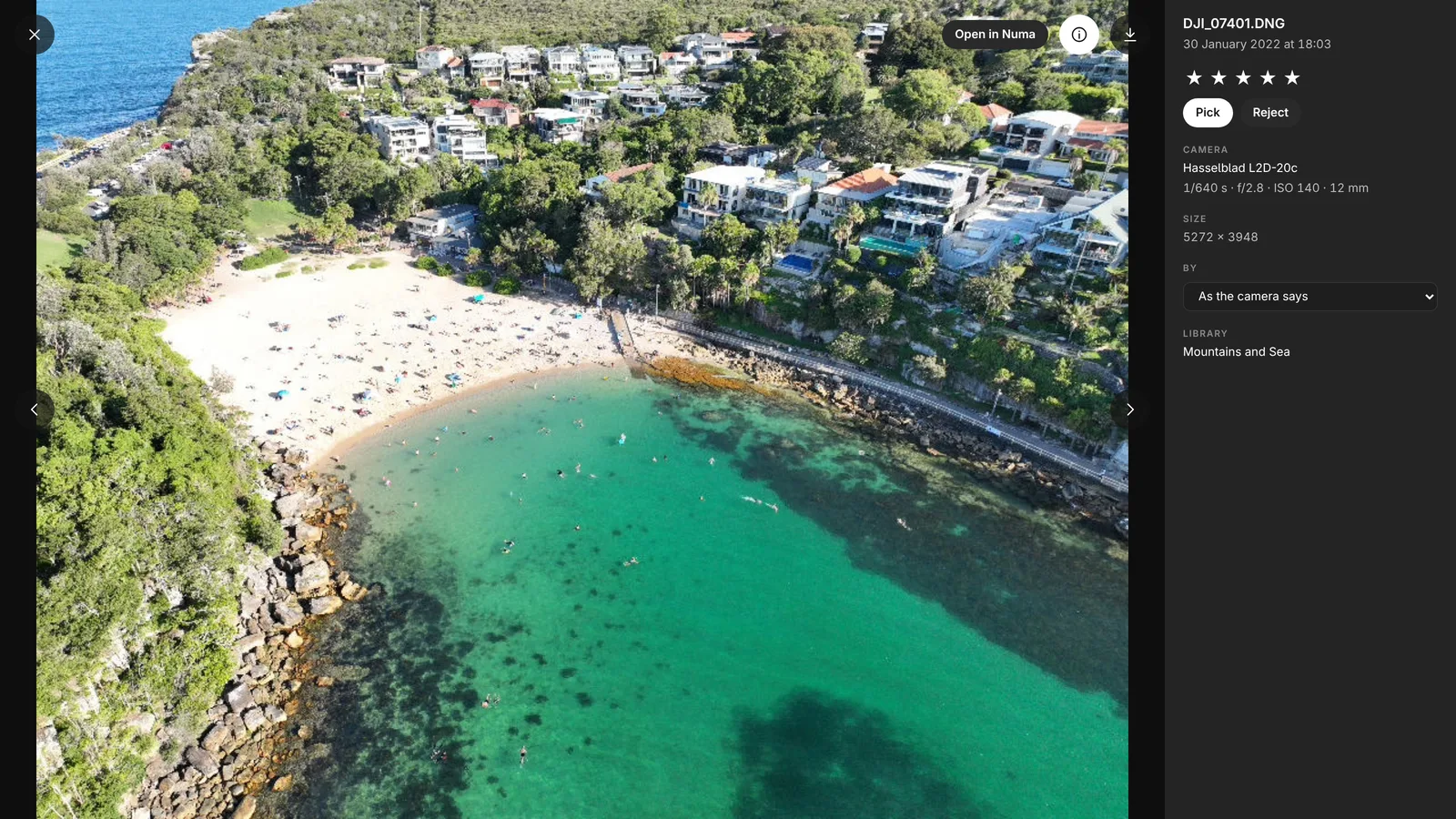
RAF, ARW, CR3, NEF, DNG and the rest, rendered with Numa’s colour and the edits you made in Numa, not the camera’s small preview. Open one large, go to 1:1 where you click, and give it stars or a pick.
On a phone
On the sofa.
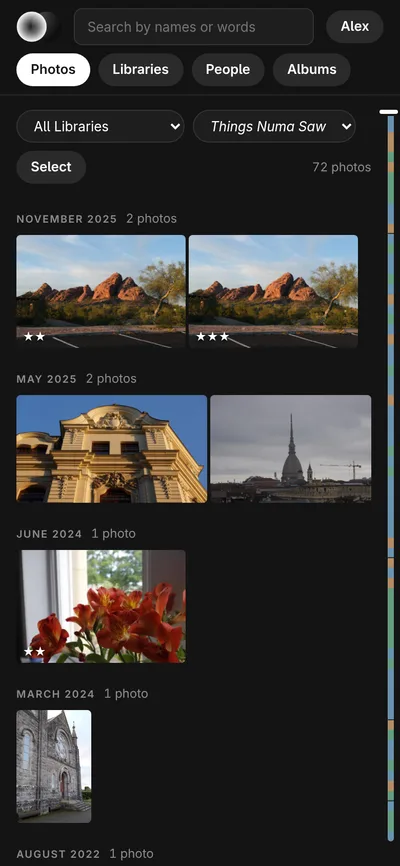
Everyone in the house signs in with their own account, on a computer, a phone or a tablet. A phone’s browser can add it to the home screen, and the scrubber becomes a thin bar at the edge that shows the years while you hold it.
Tidy Up
Less, not lost.
Exact copies, runs of the same frame and frames nobody can use, offered in small sets with Numa’s pick marked. Keep Best, Keep All, or tap the ones to keep. What goes waits in the trash for 30 days.
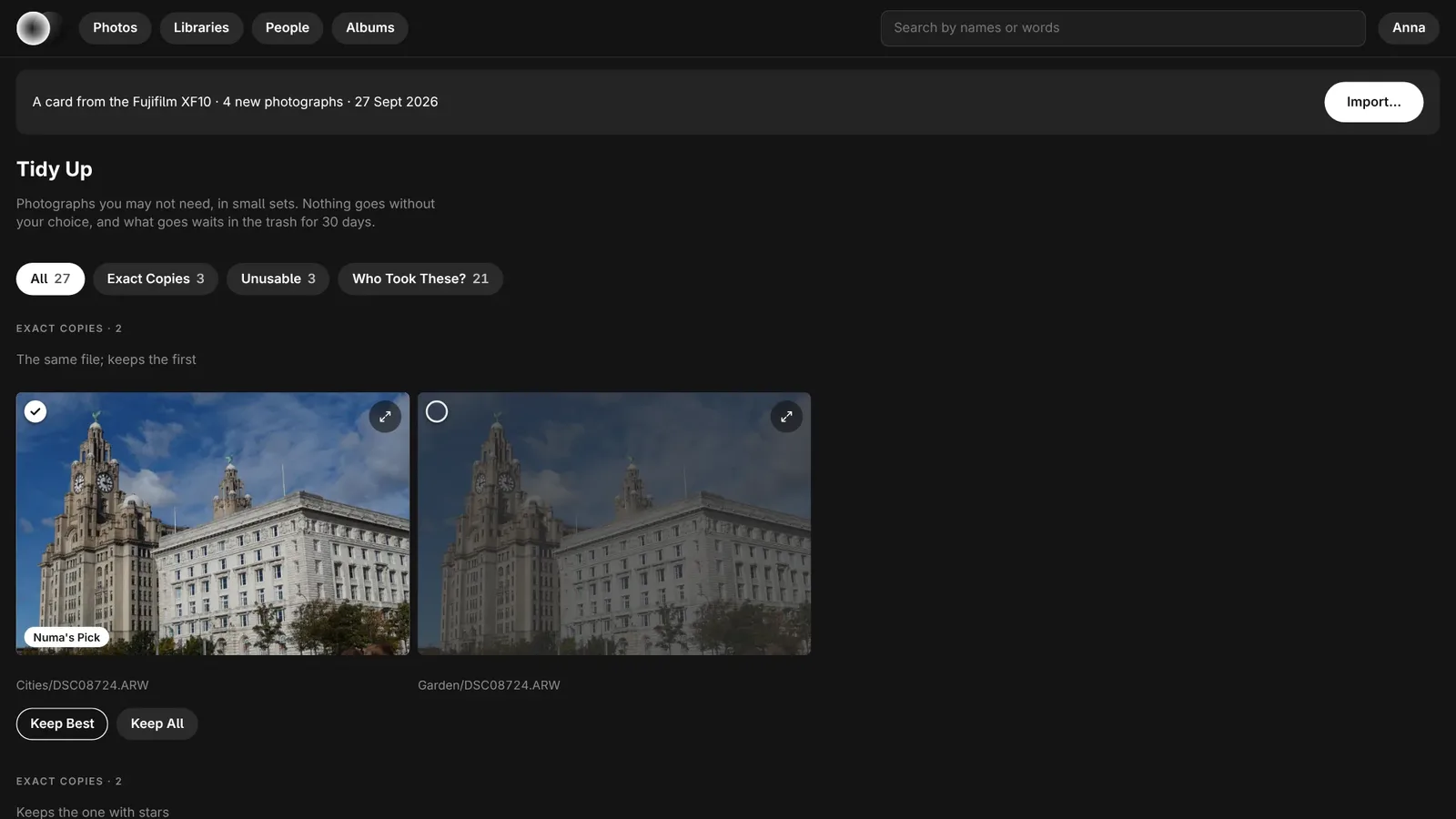
A card in the NAS
Import from the browser.
Put a card in the NAS and every page says so. Import shows the new photographs by shoot, copies each one, reads it back and checks it against the card, and puts each shoot in the library its dates belong to. Numa Home never changes the card.
With Numa
There and back.
From Numa for Linux, Send Home in the export dialog sends a finished JPEG, or the original with its edits. A library on Numa Home can come into Numa and stays in step both ways, and Open in Numa takes a photograph from the browser to the editor. The same is coming to Numa for iPhone, iPad and Mac, where the iPhone can send its Photos library home by itself, on Wi-Fi.
The details
Install, and the rest.
Your archive as it is
Point Numa Home at the folders you already have. Each folder is a library; a library made by Numa keeps its stars, edits and names, and a <year>/<trip> folder, as Numa’s import lays them out, is one library per trip. Numa Home reads everything in the background on at most half the processor, so the NAS still serves files first, and tidies up once a night.
Install
Numa Home is the image ghcr.io/simmmmm/numa-home, for 64-bit Intel and AMD. Put the compose file from its page in a folder, say where your photographs are, and start it with docker compose up -d; on a NAS with a Docker app (UGREEN, Synology’s Container Manager, QNAP, Unraid, Portainer) paste the same file into a new project. Then open http://<your NAS>:8283 and make the first account. The face and search models, about 520 MB, come down on the first start.
It answers on your own network only. To reach it from elsewhere, use a VPN such as Tailscale, or your NAS’s reverse proxy with https.
Free and open source
Numa Home is part of Numa’s source, under the GPL-3.0 or later, and costs nothing. The models keep their own licences; SFace, which recognises people, is for non-commercial use only.
Questions
Do I need Numa to use Numa Home?
No. Numa Home shows the folders you already have in a browser on its own. With Numa on your computer it does more: Send Home, Numa Home libraries kept in step both ways, and Open in Numa.
Which NAS does Numa Home run on?
Any NAS or computer with Docker on a 64-bit Intel or AMD processor: UGREEN, Synology with Container Manager, QNAP, Unraid, or a Linux computer. It needs no database server and no separate container for the models.
Does Numa Home send my photographs to the cloud?
No. Numa Home runs on your own machine and has no cloud of its own. Faces and words are found on that machine. It answers on your own network; to reach it from outside, use a VPN such as Tailscale or your NAS’s reverse proxy.
How is Numa Home different from Immich?
Immich is a mature photo and video server with apps of its own. Numa Home is newer and does photographs only, in one container; it shows raws as Numa develops them, with the edits made in Numa, and it works with the Numa apps both ways.
Does Numa Home do video?
Not yet. It does photographs only, for now.
More about Numa
Bring them home.
Free and open source. One compose file, on the NAS you already have.