23:10 · Numa for MacAt your desk.
Numa for Mac is the same app as on iPhone and iPad, on a big screen, for the photographs that deserve the evening. No subscription, no account, one purchase for all three.
Apple silicon · macOS 26 or later · The TestFlight beta opens once Apple’s review is done
- 1
- purchase for Mac, iPhone and iPad, with no subscription. Free during the TestFlight beta.
- 0
- accounts and uploads. Masks and faces are found on your Mac; your photographs stay where they are.
- 26
- macOS 26 or later, on a Mac with Apple silicon. No Intel Macs.
Editing
Everything, with room.
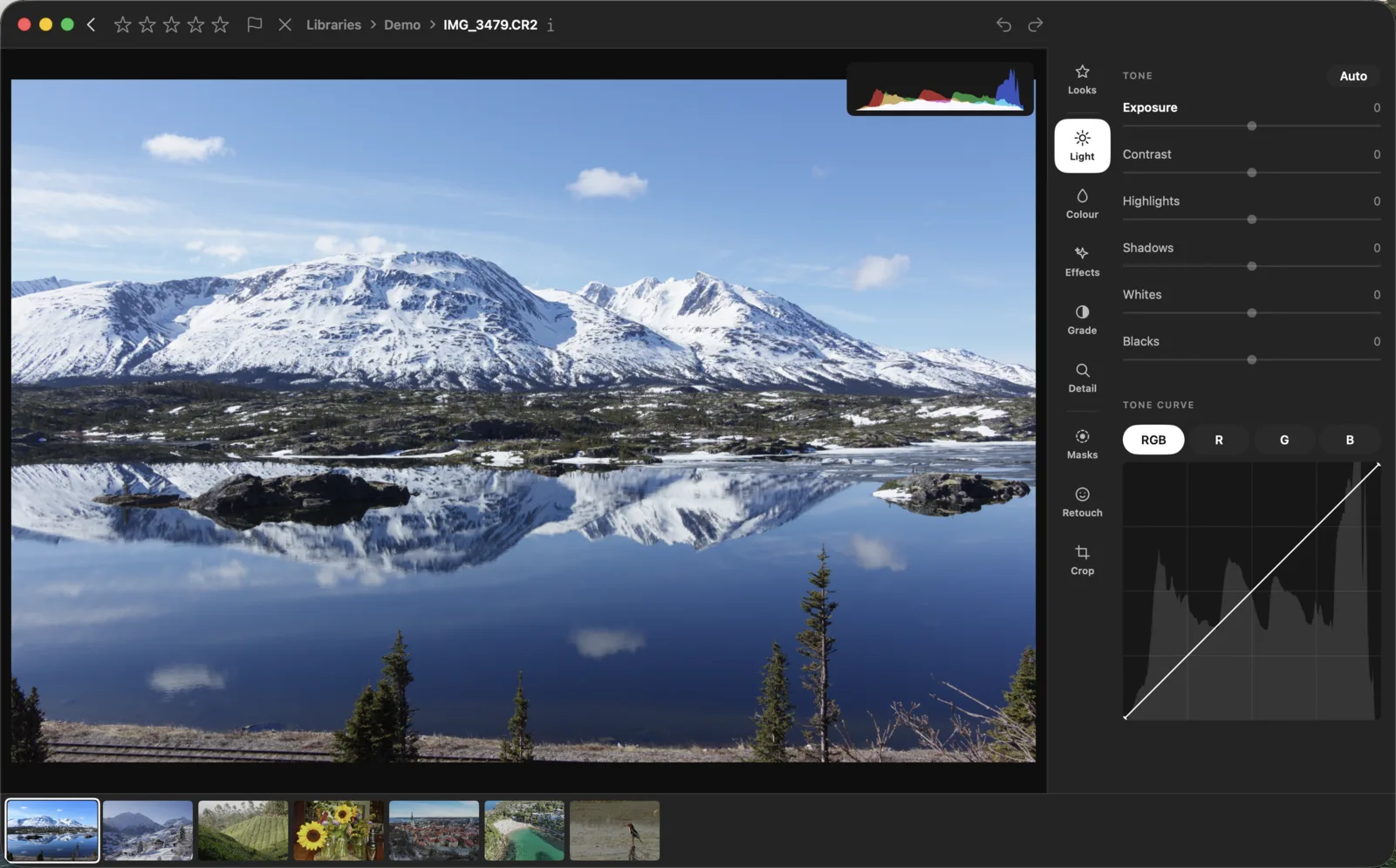
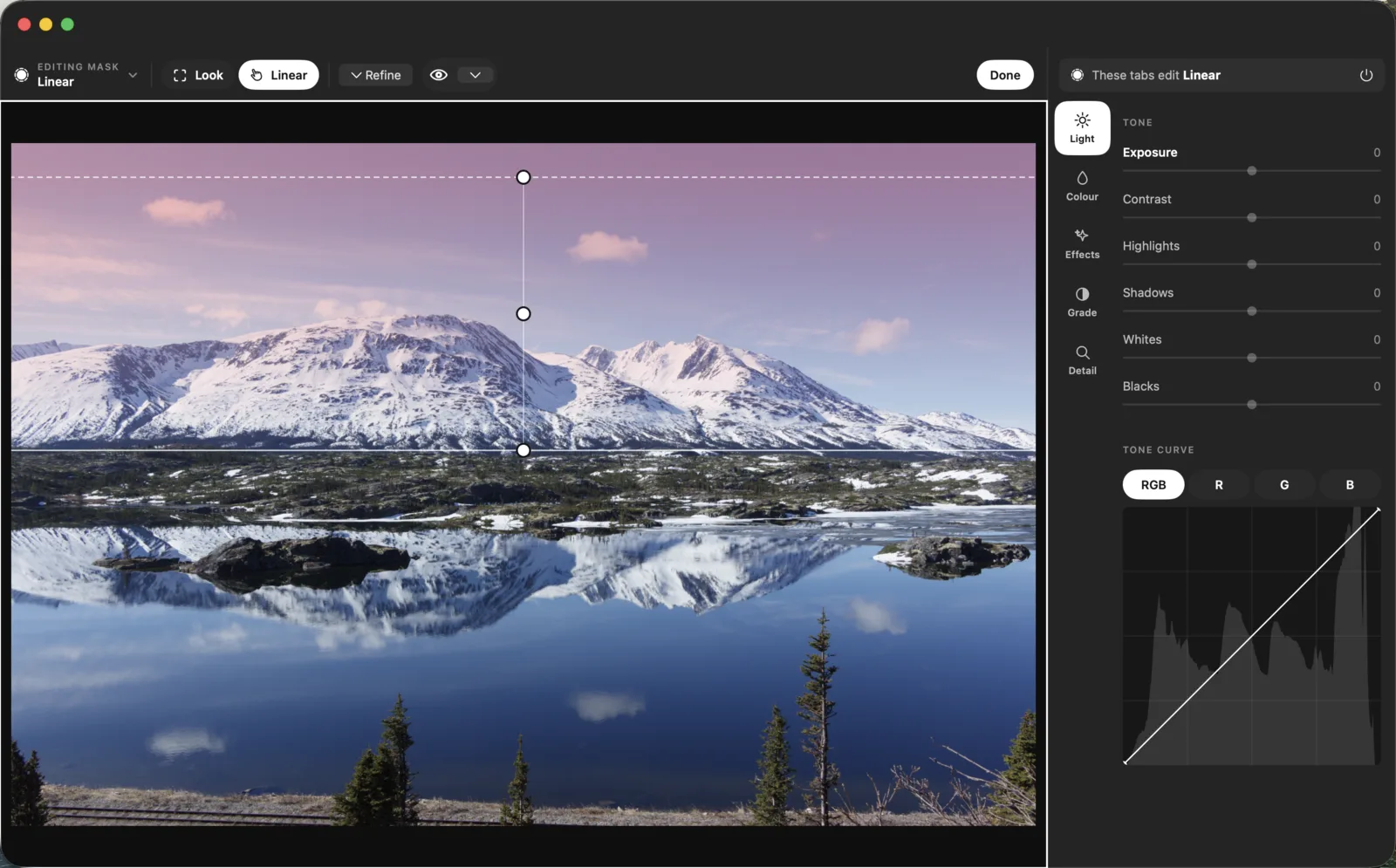
Masks in one tap: the sky, a subject, a person, water or greenery, found on your Mac, each with its own light, colour, curve and grade. Camera and lens profiles, looks with a Strength slider, LUTs, one colour wheel, heal and clone, and presets imported from Lightroom and Capture One.
Culling
Measured, then yours.
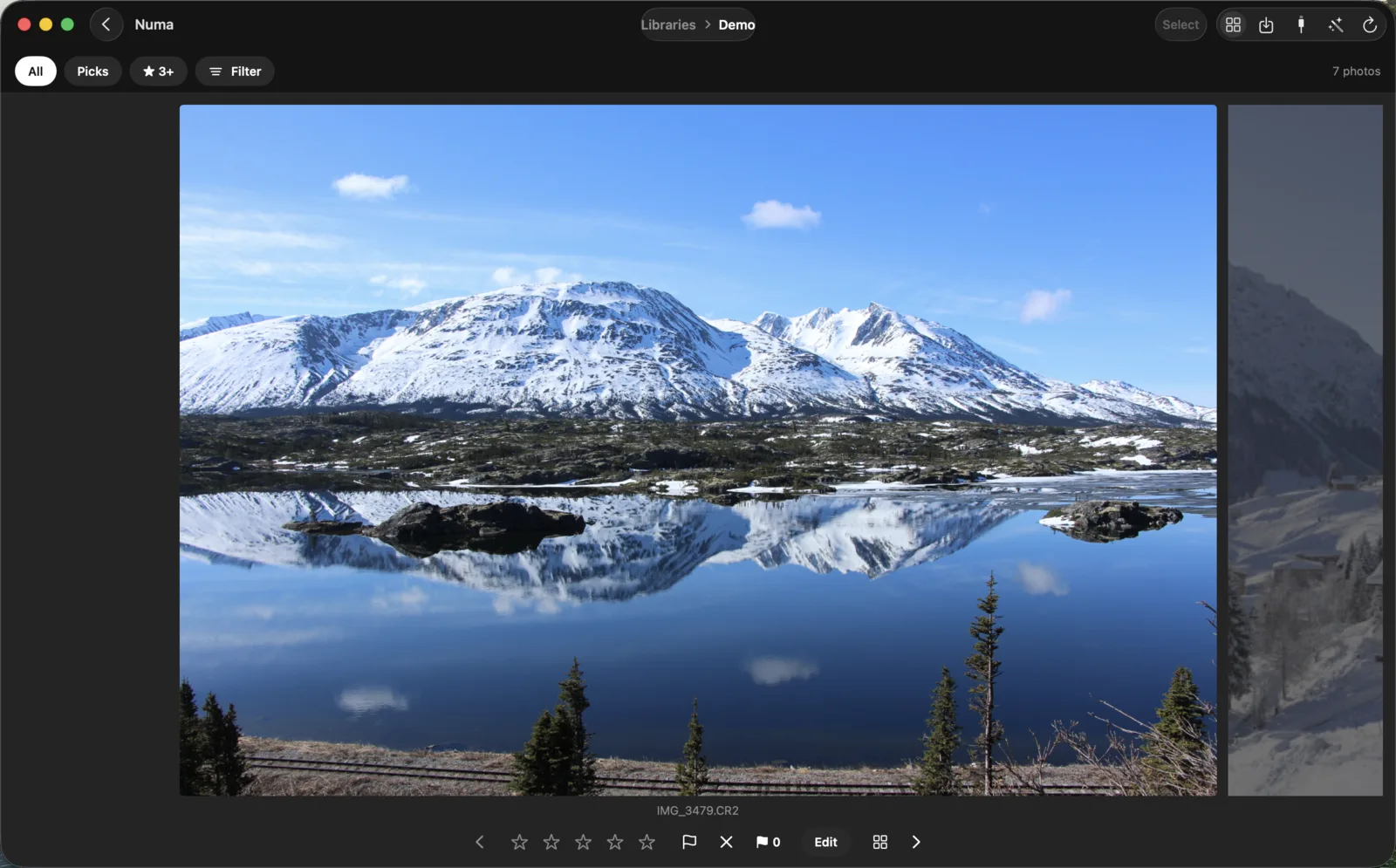
Numa measures the sharpness of every frame, groups the bursts and suggests the best one, and asks about closed eyes. The loupe shows one photograph large with its neighbours beside it, and you still choose.
Your photographs
Where you keep them.
In a folder, on an external drive or a NAS, in a synced folder such as iCloud Drive or OneDrive, or in your Photos library. Numa opens them through your Mac’s own files and never sends them anywhere. It has no cloud or account of its own, so it does not sync: it is simply the same app everywhere.
The details
Cost and questions.
What it is
A photo editor and library for Macs with Apple silicon and macOS 26 or later. The same grounds, sliders, chips and panels as on the iPhone and iPad, so what you know on one you know on the others. Numa has no cloud, so it does not sync; it is simply the same app everywhere.
What it costs
One purchase for Mac, iPhone and iPad, with no subscription. The TestFlight beta for iPhone, iPad and Mac opens once Apple’s review is done; write to me and you get the link as soon as it does. On Linux, Numa is free today.
Questions
Does Numa run on Intel Macs?
No. Numa for Mac needs a Mac with Apple silicon and macOS 26 or later.
Is Numa a subscription?
No. Numa for iPhone, iPad and Mac is one purchase that covers all three. It is free during its TestFlight beta.
Can Numa replace Lightroom on my Mac?
For many photographers, yes: Numa edits RAW with masks, looks, curves and culling, imports Lightroom presets and needs no account. It does not sync between devices, because it has no cloud.
More about Numa
Come along.
The TestFlight beta for iPhone, iPad and Mac opens once Apple’s review is done. Write to me and you get the link as soon as it does.